

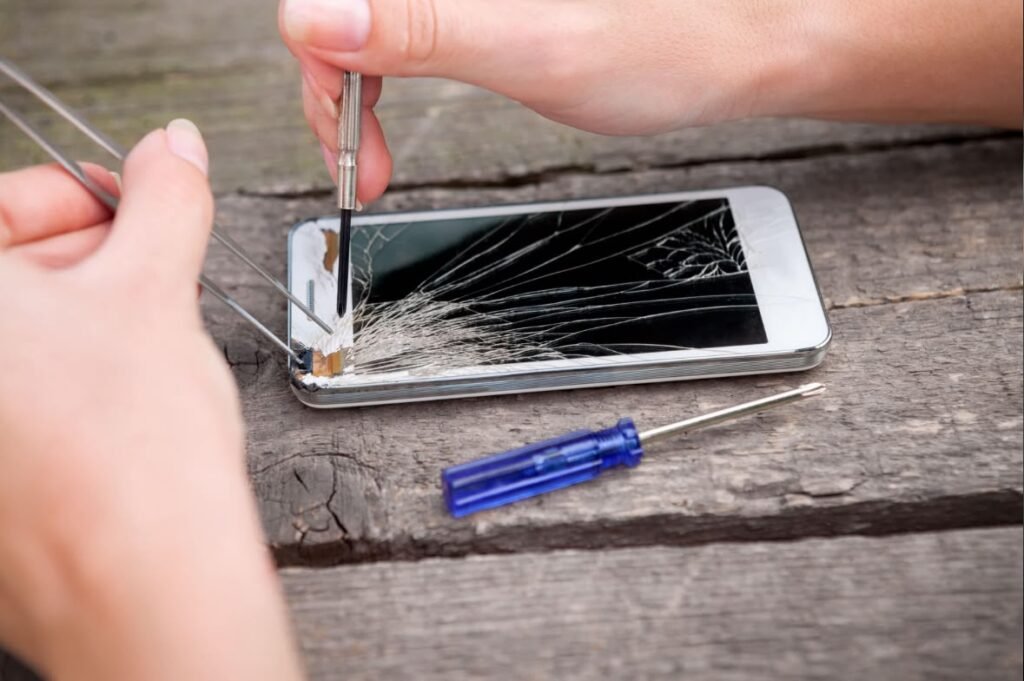
Smartphones have become an important part of our daily lives. Whether you’re making calls, attending online meetings, taking photos, or scrolling through social media, your phone is always with you. But like any electronic device, smartphones can develop problems over time.
The good news is that many common mobile issues don’t require a visit to a repair shop. With a few simple steps, you can solve many problems at home and keep your device running smoothly.
In this guide, we’ll look at the most common mobile problems and the easiest ways to fix them.
1. Battery Drains Too Quickly
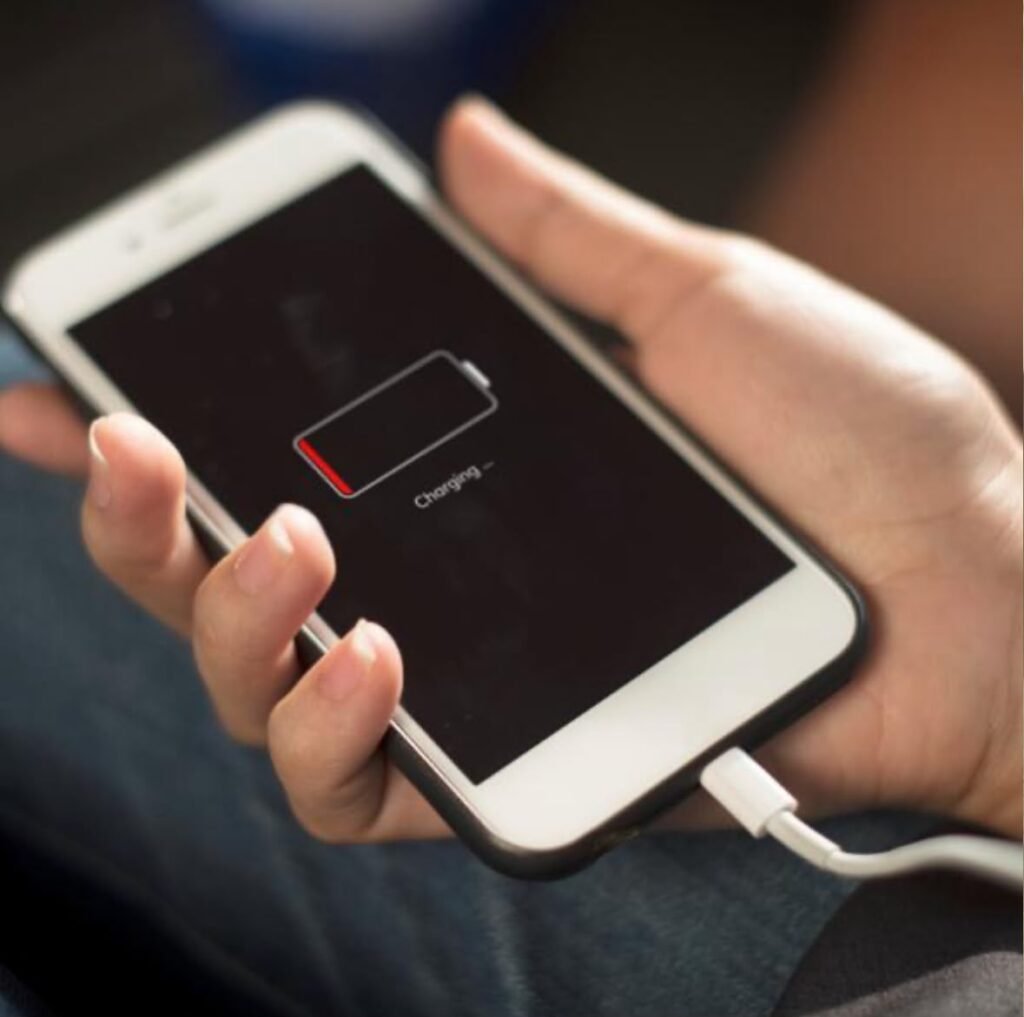
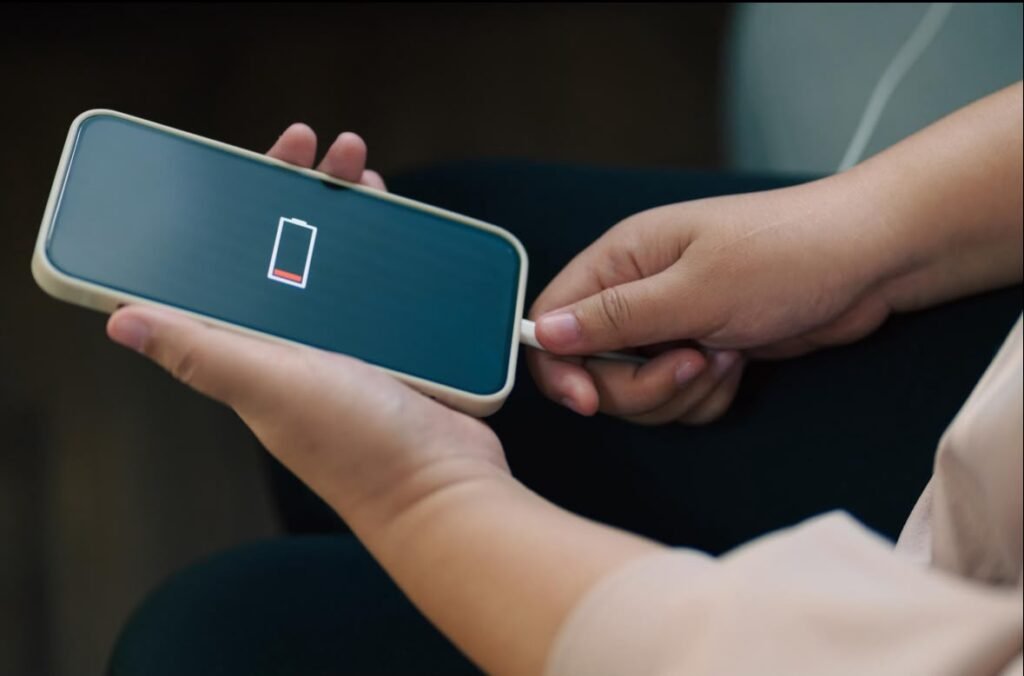
One of the biggest complaints among smartphone users is poor battery life. If your phone needs charging multiple times a day, there could be several reasons behind it.
Common Causes
- High screen brightness
- Too many apps running in the background
- Old battery
- GPS, Bluetooth, or Wi-Fi left on
- Power-hungry apps
Easy Solutions
- Lower screen brightness or enable Auto Brightness.
- Turn on Battery Saver mode.
- Close apps you’re not using.
- Disable GPS and Bluetooth when unnecessary.
- Check Battery Usage in Settings to identify apps consuming excessive power.
- Update your apps regularly.
- Replace the battery if your phone is several years old.
Pro Tip: Avoid charging your phone to 100% all the time. Keeping the battery between 20% and 80% can help extend its lifespan.
2. Phone Is Running Slowly
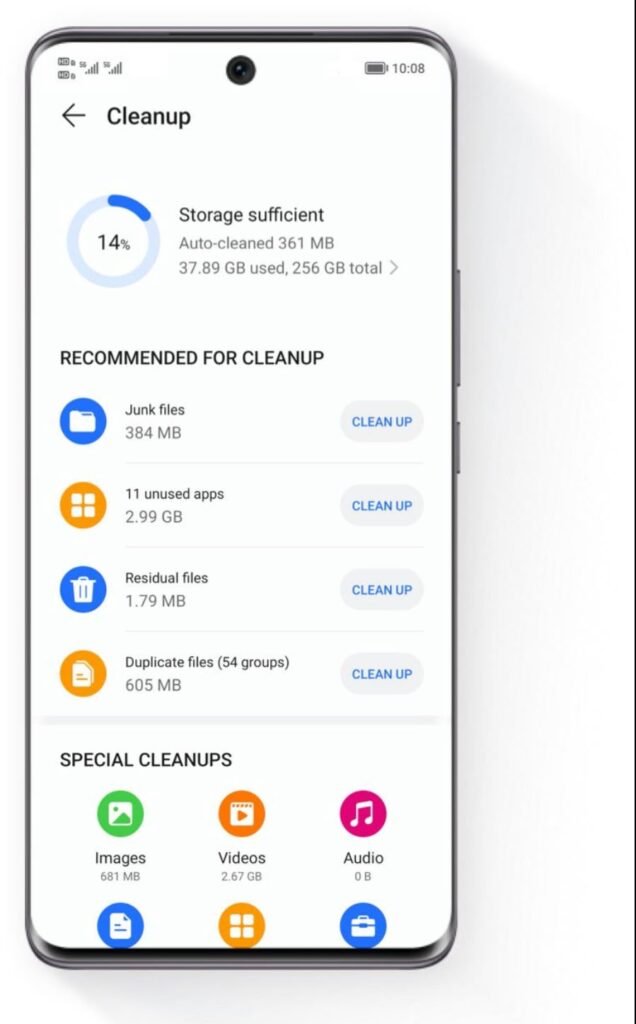
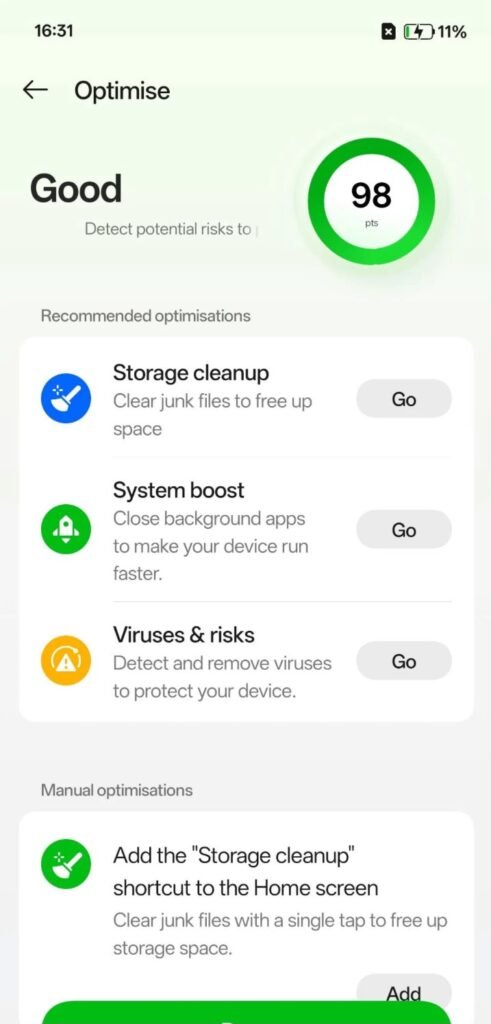
Does your phone freeze, lag, or take forever to open apps? This usually happens after months of regular use.
Common Cause
- High screen brightness
- Too many apps running in the background
- Old batteryGPS, Bluetooth, or Wi-Fi left on
- Power-hungry apps
Easy Solutions
- Restart your phone once every few days.
- Delete unnecessary apps and files.
- Clear app cache.
- Update your phone’s software.
- Free up at least 15–20% of storage.
A simple restart often improves performance because it clears temporary processes running in the background.
3. Phone Overheating
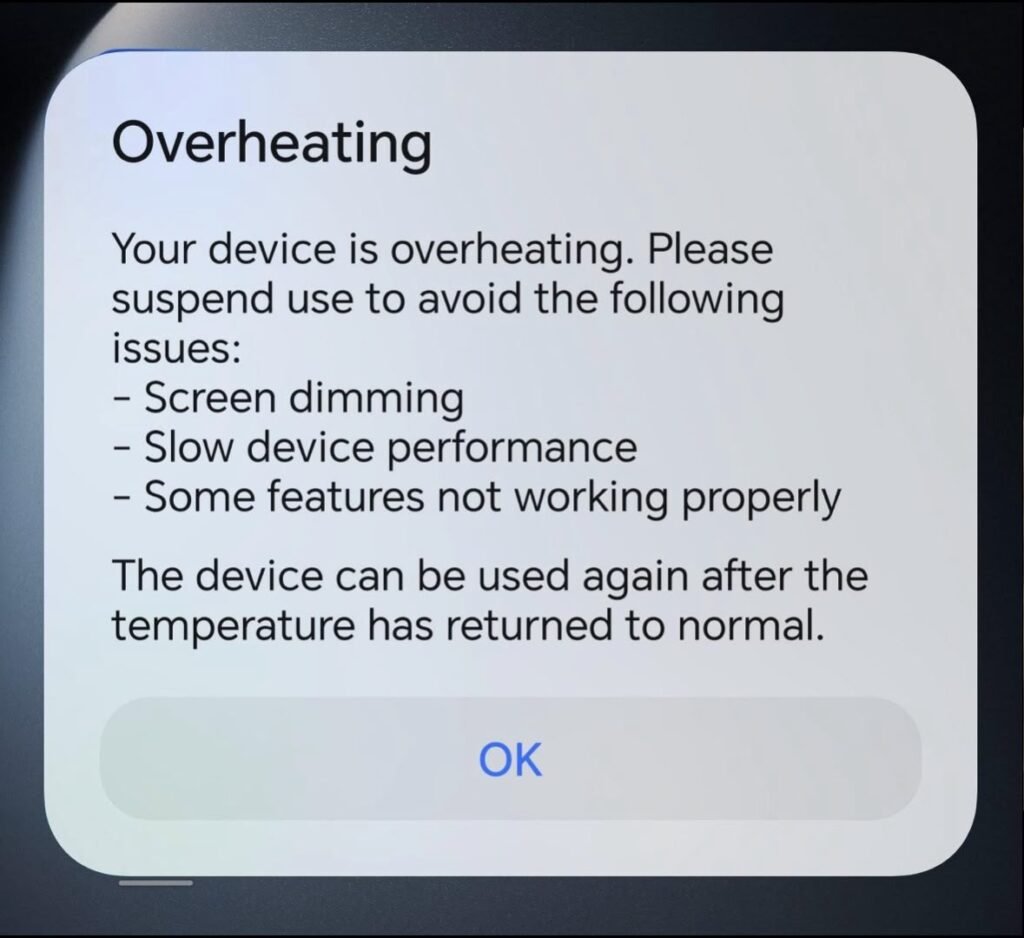
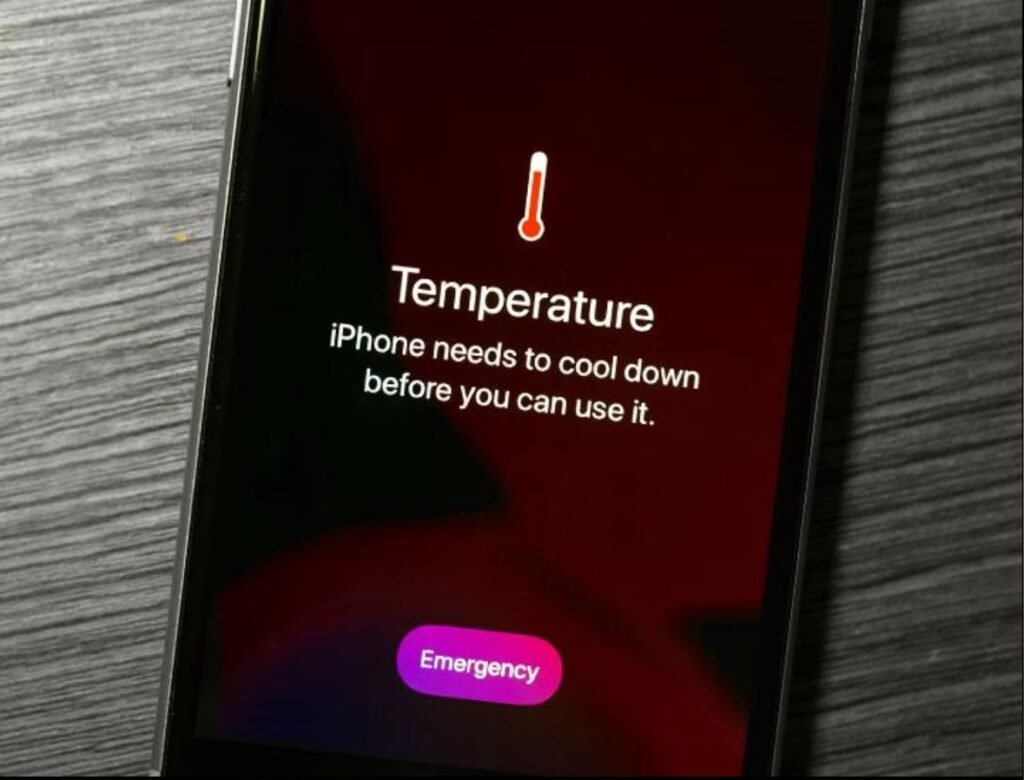
It’s normal for phones to become warm during gaming or charging. However, excessive heat can damage the battery and reduce performance.
Common Causes
- Heavy gaming
- Long video recording sessions
- Charging while using the phone
- Hot weather
- Faulty charger
Easy Solutions
- Remove the phone case while charging if it traps heat.
- Avoid direct sunlight.
- Close demanding apps.
- Use the original charger.
- Stop using the phone while charging.
If your phone frequently overheats even during light use, it may require professional inspection.
4. Phone Not Charging Properly
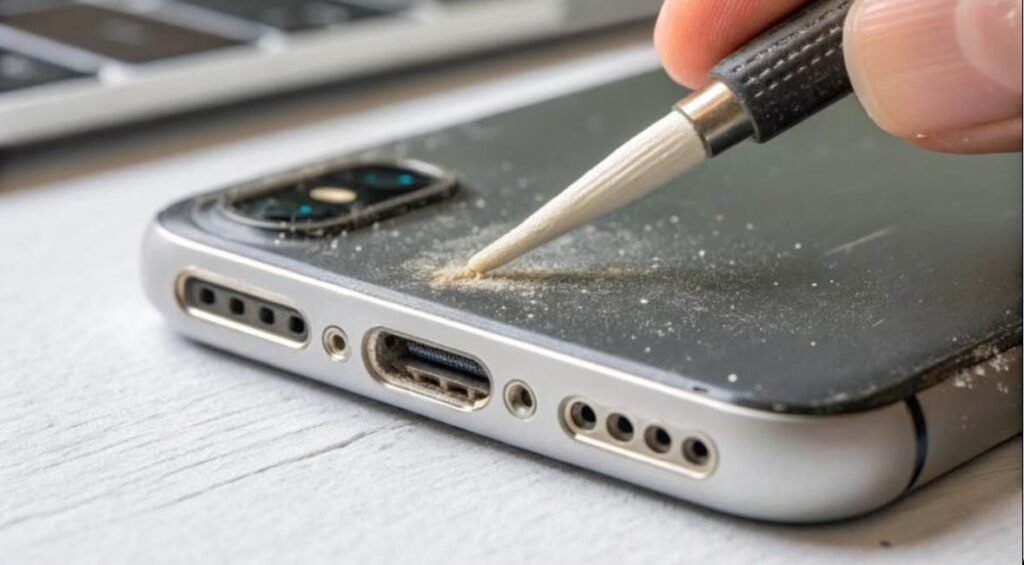
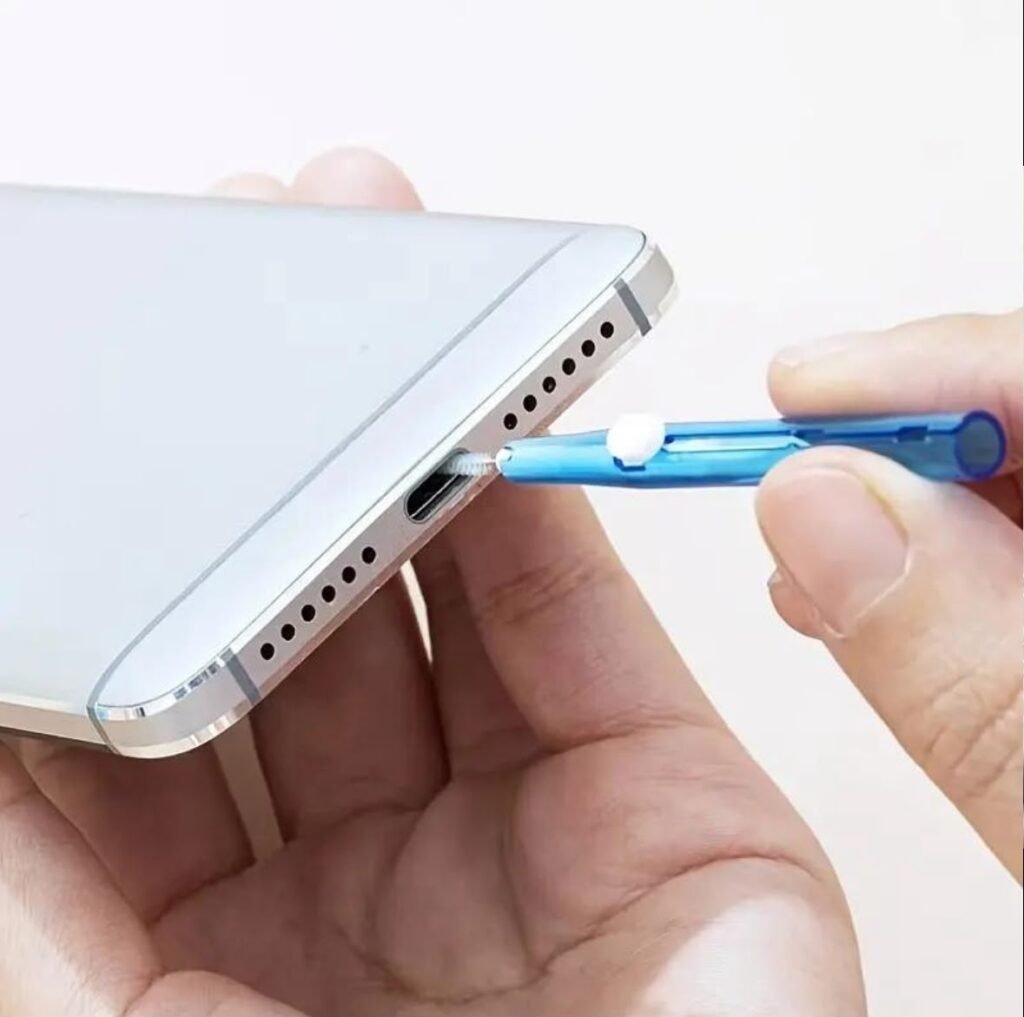
A charging issue can be frustrating, but it isn’t always caused by a faulty battery.
Common Causes
- Damaged charging cable
- Dirty charging port
- Faulty adapter
- Software glitch
Easy Solutions
- Clean the charging port carefully using a soft brush or wooden toothpick.
- Try another certified charging cable.
- Restart your phone.
- Check for software updates.
- Avoid cheap, low-quality chargers.
If wireless charging works but wired charging doesn’t, the charging port may need repair.
5. Apps Keep Crashing
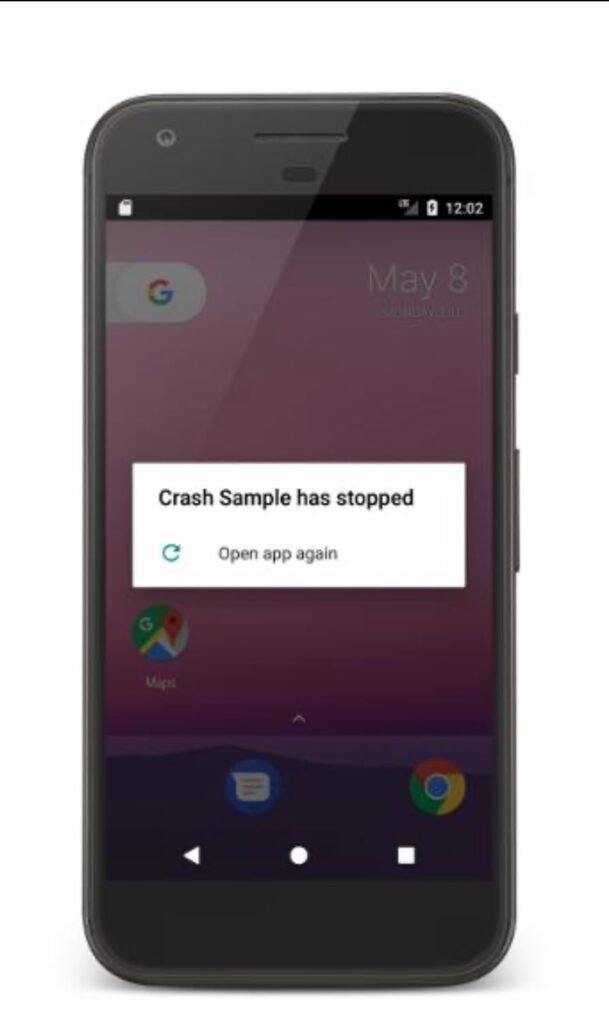
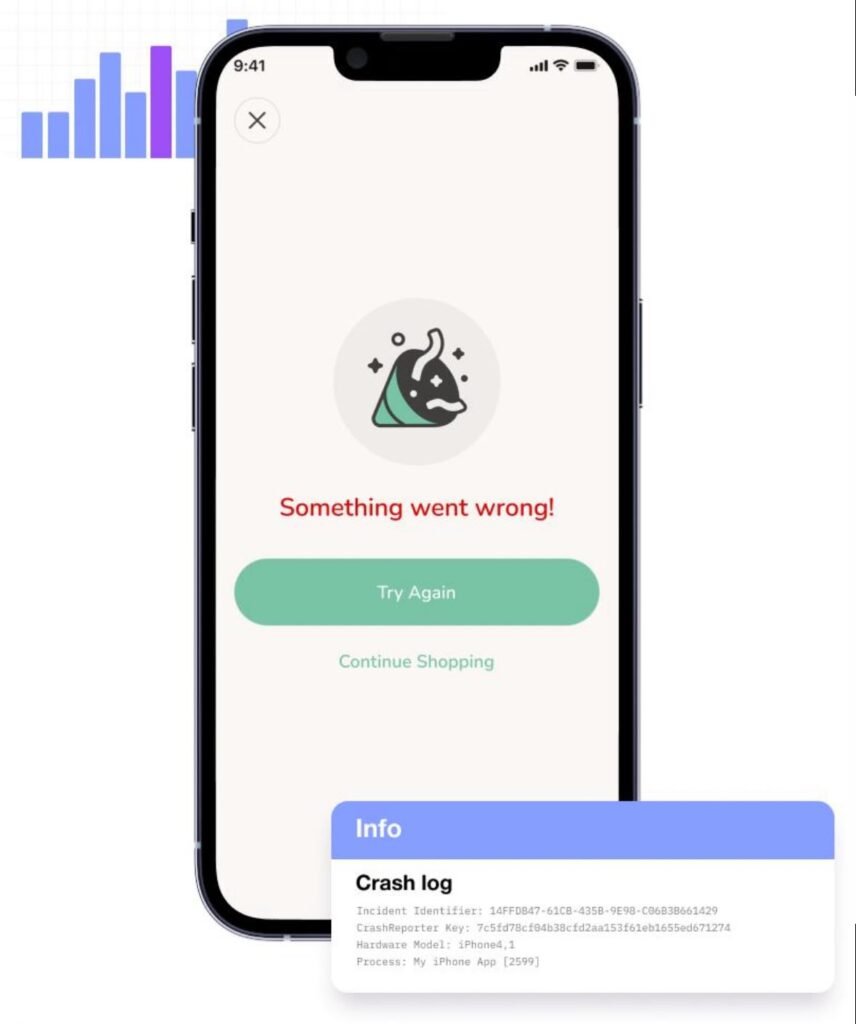
Applications sometimes close unexpectedly or refuse to open.
Common Causes
- Outdated app
- Software bugs
- Low memory
- Corrupted cache
Easy Solutions
- Update the app.
- Clear app cache.
- Restart your phone.
- Reinstall the app.
- Update the operating system.
If only one app crashes repeatedly, the problem is usually with that app rather than your phone.
6. Storage Is Always Full
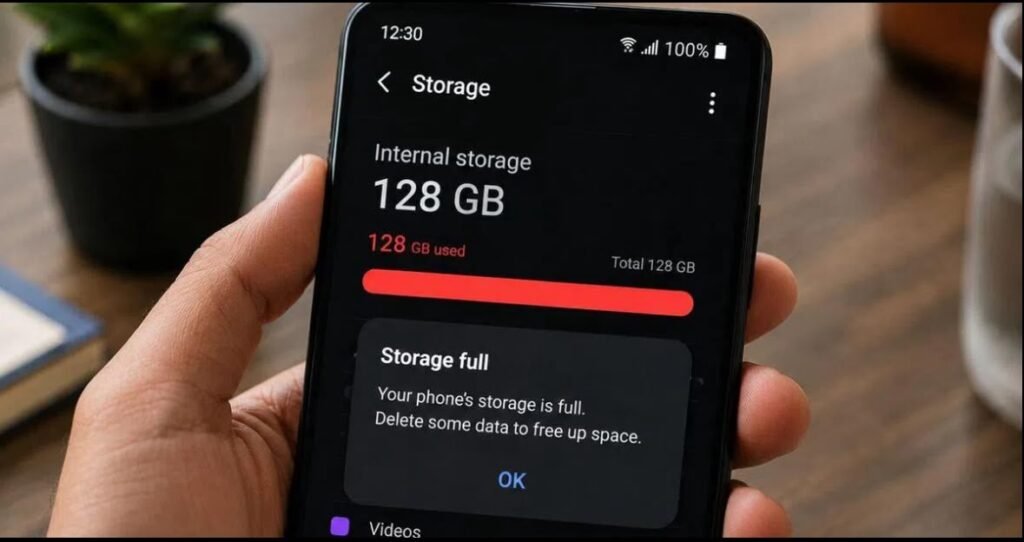
Running out of storage slows down your phone and prevents updates.
Easy Solutions
- Delete duplicate photos.
- Remove downloaded videos you no longer need.
- Uninstall unused apps.
- Move files to cloud storage.
- Clear WhatsApp or Telegram media regularly.
Keeping enough free storage helps your phone run faster.
7. Wi-Fi or Mobile Data Isn’t Working
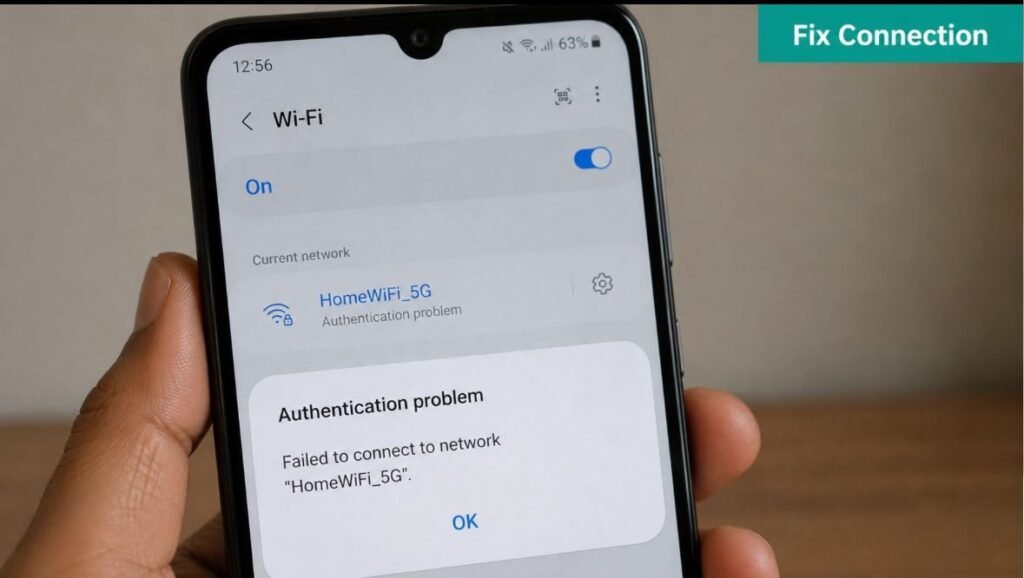
Internet problems can happen because of weak signals or incorrect settings.
Easy Solutions
- Turn Airplane Mode on and off.
- Restart your router.
- Forget and reconnect to Wi-Fi.
- Reset network settings.
- Check if your mobile data limit has been reached.
If other devices also can’t connect, the issue may be with your internet provider.
8. Phone Freezes or Restarts Automatically
Unexpected restarts can interrupt work and may indicate software or hardware issues.
Easy Solutions
- Remove recently installed apps.
- Update your software.
- Restart in Safe Mode to identify problematic apps.
- Backup your data and perform a factory reset if necessary.
If the issue continues after resetting, consult an authorized service center.
9. Camera Quality Has Become Poor
Blurry or unclear photos are often caused by simple issues.
Easy Solutions
- Clean the camera lens with a microfiber cloth.
- Update the Camera app.
- Tap the screen to focus before taking photos.
- Avoid using digital zoom whenever possible.
- Restart the Camera app.
Many users mistake fingerprints on the lens for camera damage.
10. Fingerprint Sensor or Face Unlock Isn’t Working
Biometric security features may stop working due to dirt or software issues.
Easy Solutions
- Clean the fingerprint sensor.
- Re-register your fingerprint.
- Ensure the camera is clean for Face Unlock.
- Update your phone.
- Restart the device.
Wet fingers or poor lighting can also affect biometric recognition.
Prevent Mobile Problems Before They Start
Instead of fixing problems after they occur, it’s better to prevent them.
Follow these habits:
- Restart your phone once a week.
- Keep software updated.
- Use genuine chargers and accessories.
- Avoid downloading apps from unknown sources.
- Keep at least 20% storage free.
- Back up important files regularly.
- Protect your phone with a quality case and screen protector.
- Avoid exposing your phone to water and extreme heat.
These small habits can significantly improve your phone’s lifespan.
When Should You Visit a Repair Center?
Some problems cannot be solved at home.
Seek professional help if:
- The screen is cracked or unresponsive.
- The battery is swollen.
- Your phone has suffered water damage.
- Charging still doesn’t work after trying multiple cables.
- The phone won’t turn on.
- There are signs of internal hardware failure.
Trying to repair hardware yourself may void the warranty or cause further damage.
Final Thoughts
Most smartphone issues have simple solutions that take only a few minutes. Whether it’s battery drain, overheating, charging problems, slow performance, or app crashes, regular maintenance can keep your phone running like new.
By following the tips in this guide, you’ll save time, avoid unnecessary repair costs, and enjoy a smoother smartphone experience. If a problem persists despite trying these solutions, don’t hesitate to contact an authorized service center for expert assistance.
Taking care of your smartphone today means it will continue serving you reliably for years to come.