

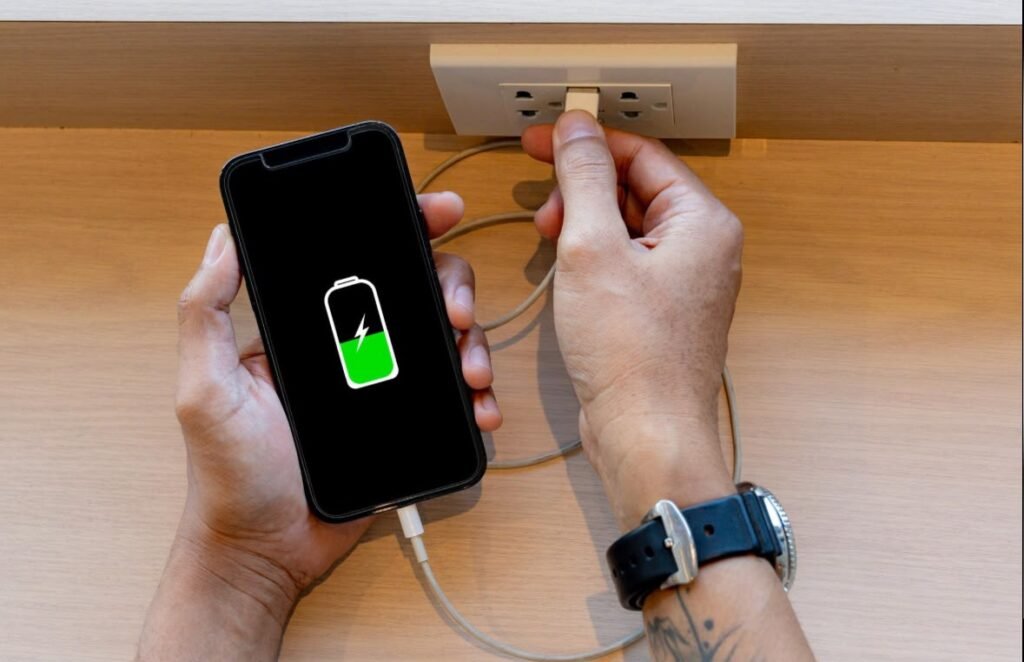
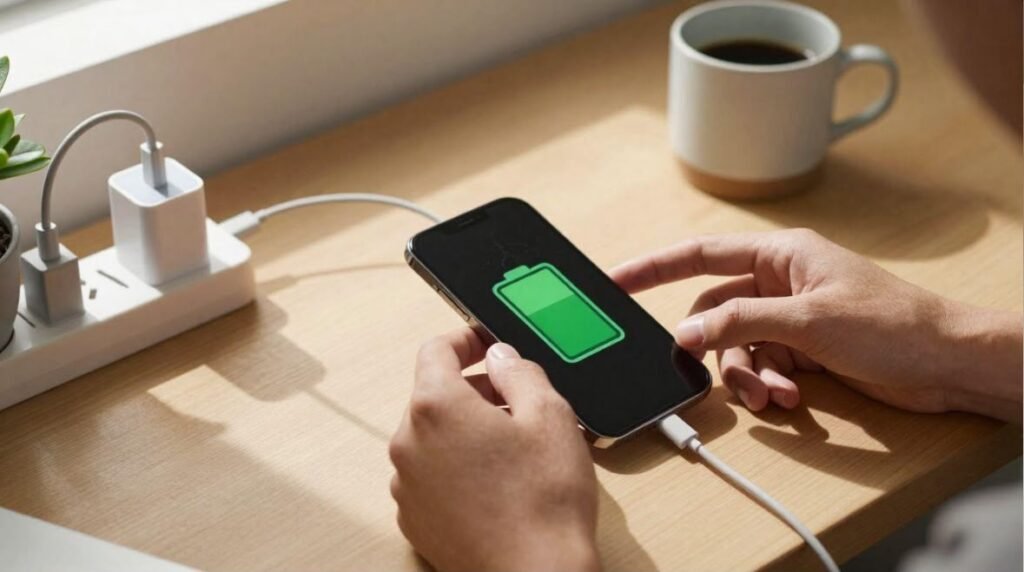
A smartphone is one of the most important devices we use every day. Whether you’re working, studying, gaming, watching videos, or staying connected with family and friends, your phone’s battery plays a huge role in your daily routine.
Few things are more frustrating than seeing your battery drop to 10% when you’re away from a charger. The good news is that you don’t always need a new battery or a new phone. In many cases, simple changes to your daily habits can significantly improve battery life and even help your battery stay healthier for years.
In this guide, you’ll learn practical and easy-to-follow tips that work on both Android and iPhone devices.
Why Smartphone Batteries Lose Performance
Most modern smartphones use lithium-ion batteries. These batteries are designed to last for hundreds of charging cycles, but they naturally lose capacity over time.
Several factors can speed up battery wear, including:
- Frequent overheating
- Keeping the battery at 100% for long periods
- Letting the battery drain to 0% regularly
- Heavy gaming sessions
- Running too many apps in the background
- Poor charging habits
The better you treat your battery, the longer it will maintain good performance.
1. Avoid Letting Your Battery Reach 0%
One of the biggest battery myths is that phones should always be completely discharged before charging.
Modern lithium-ion batteries actually perform better when kept between 20% and 80%.
Instead of waiting until your phone shuts down, plug it in before the battery becomes critically low.
Good habit:
Charge when battery reaches around 20–30%
2. Don’t Keep Your Phone at 100% All the Time
Charging to 100% occasionally is perfectly fine.
However, leaving your phone connected to the charger every night for years may contribute to faster battery aging.
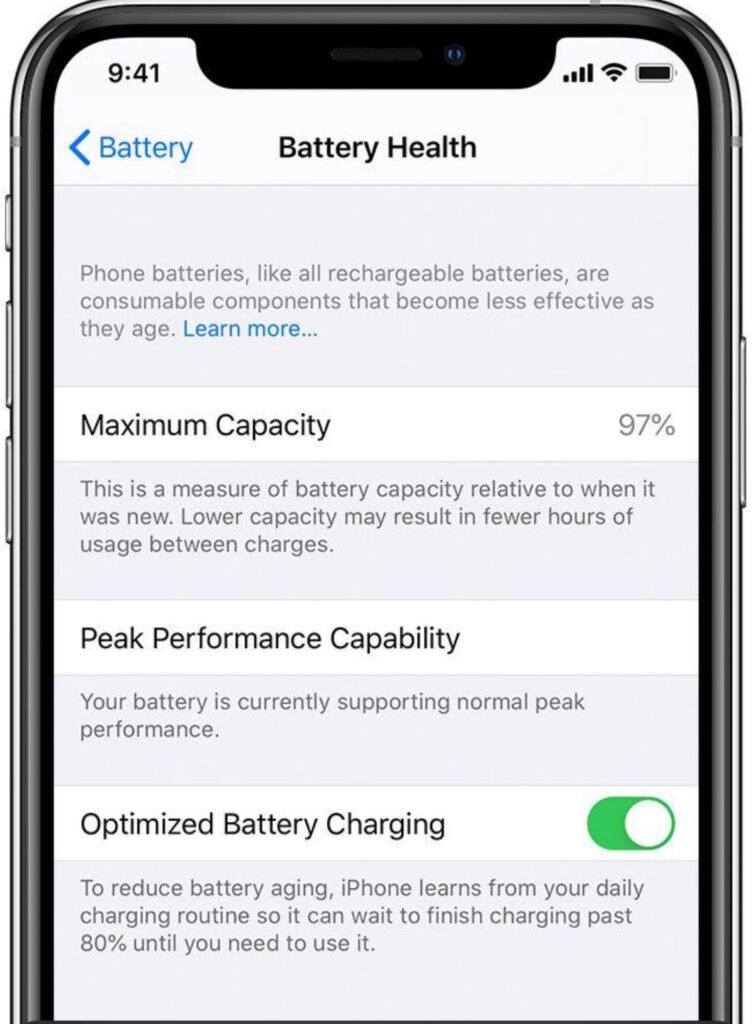
Many modern phones now include:
- Optimized Charging (iPhone)
- Adaptive Charging (Android)
These features slow down charging overnight and finish charging just before you usually wake up.
Enable them whenever possible.
3. Reduce Screen Brightness
The display is usually the biggest battery consumer.
Lowering brightness by even 20–30% can noticeably improve battery life.
Better yet, use:
- Auto Brightness
- Adaptive Brightness
These automatically adjust brightness based on your surroundings.
4. Enable Dark Mode
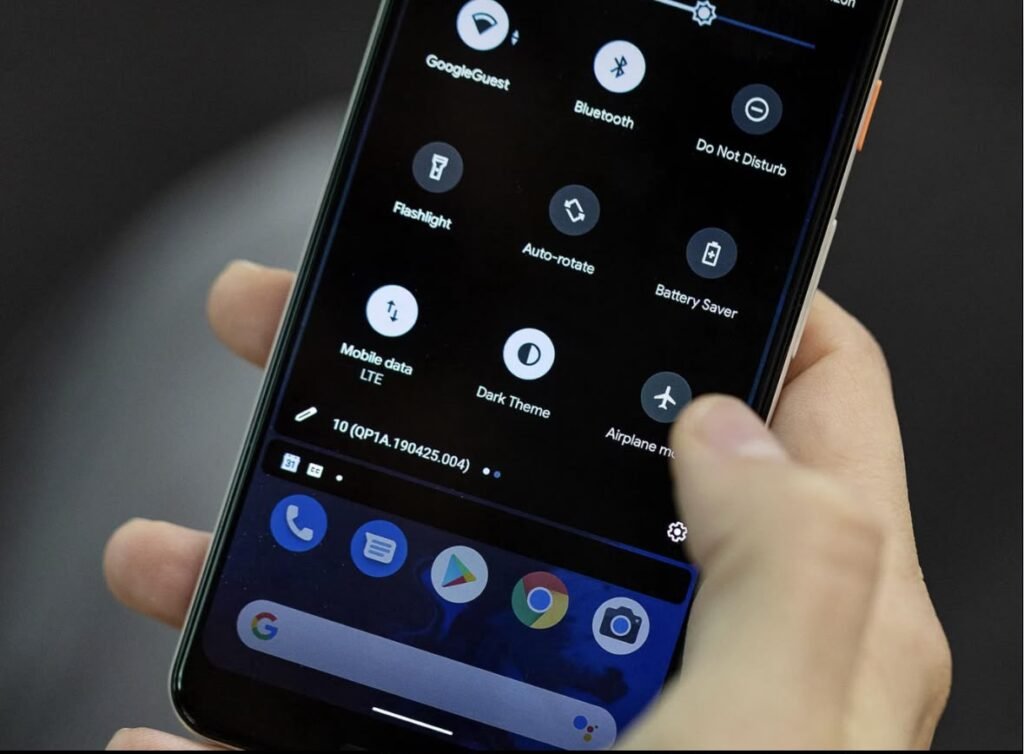
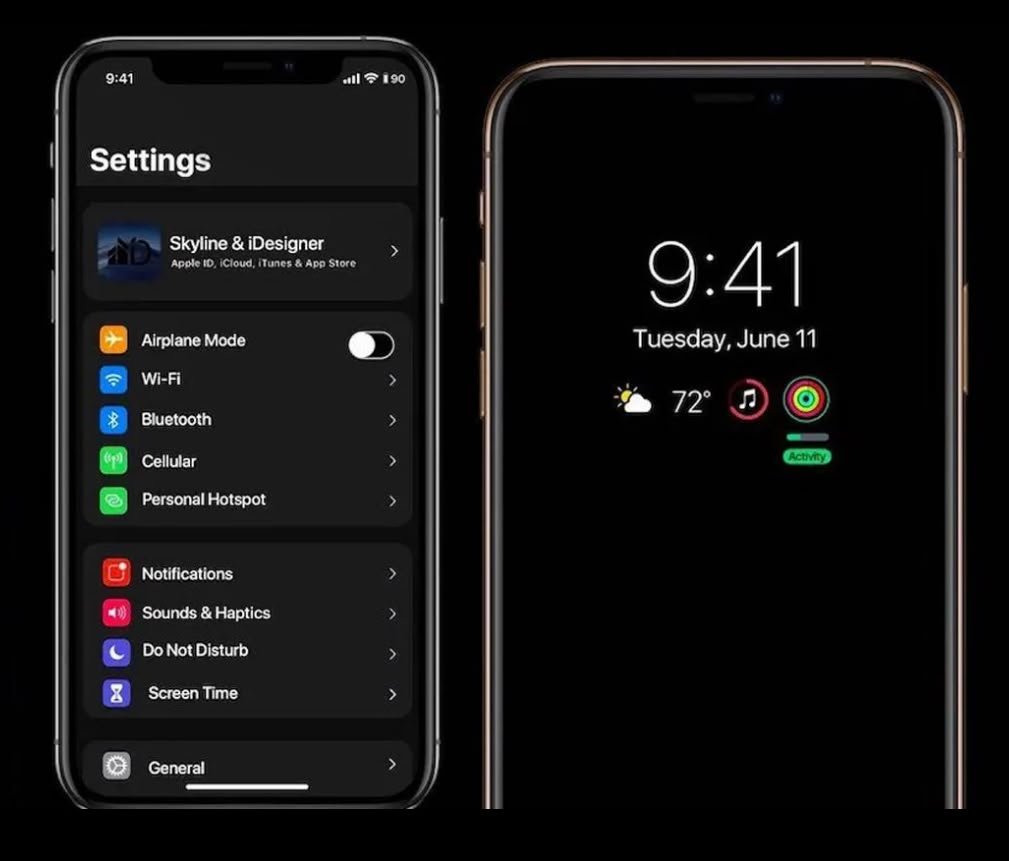
If your smartphone has an OLED or AMOLED display, Dark Mode can save battery power because black pixels consume less energy.
Dark Mode also reduces eye strain during nighttime use.
Most Android phones and iPhones allow you to schedule Dark Mode automatically.
5. Turn Off Features You’re Not Using
Many wireless features quietly consume battery throughout the day.
Disable them when unnecessary:
- Bluetooth
- GPS/Location
- NFC
- Mobile Hotspot
- Wi-Fi (when away from networks)
Even small savings add up over several hours.
6. Close Apps That Drain Battery
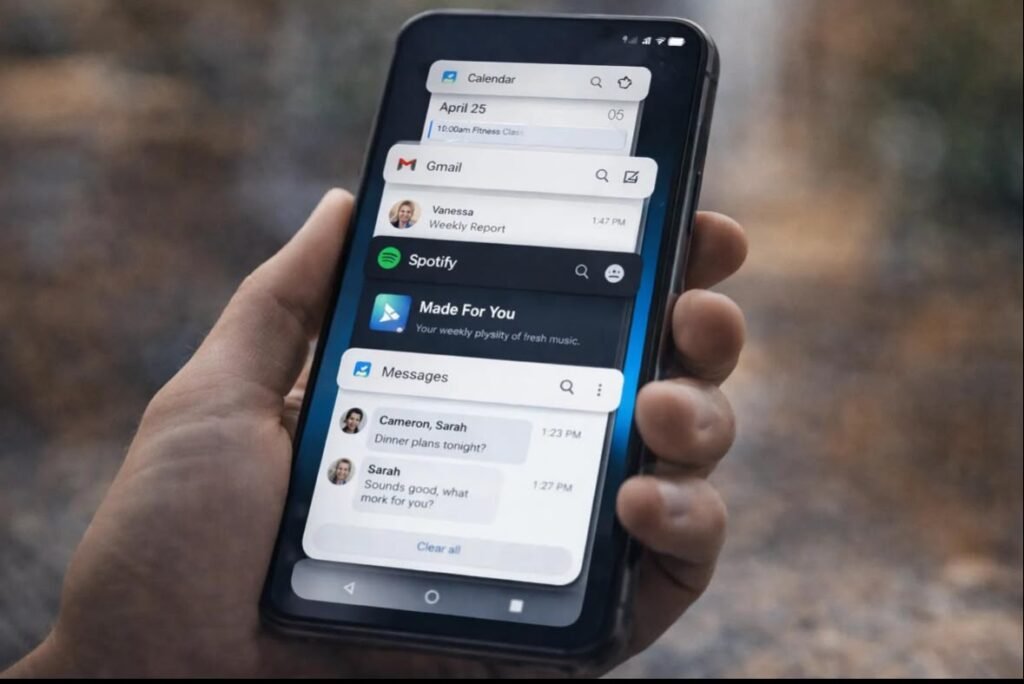
Some apps continue running in the background long after you’ve finished using them.
Common battery-draining apps include:
- Social media apps
- Navigation apps
- Video streaming services
- Fitness tracking apps
- Mobile games
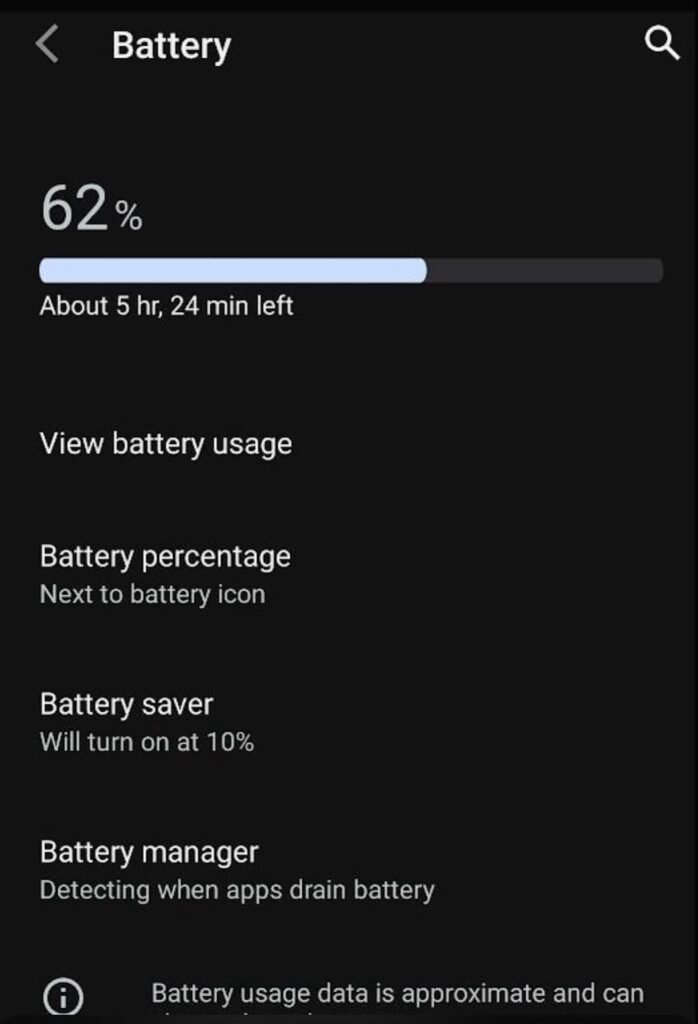
Check your phone’s Battery Usage section to identify which apps consume the most power.
7. Update Your Phone Regularly
Software updates don’t just introduce new features.
Manufacturers often improve battery optimization through updates.
Keeping your phone updated ensures better performance and longer battery life.
Always install updates from trusted sources.
8. Use Battery Saver Mode
Both Android and iPhone include Battery Saver modes.
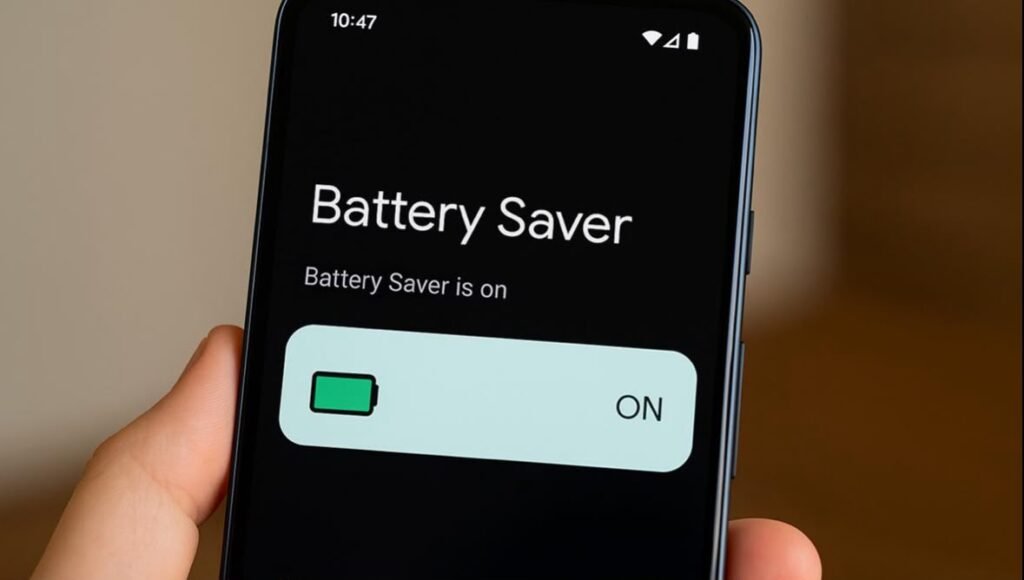
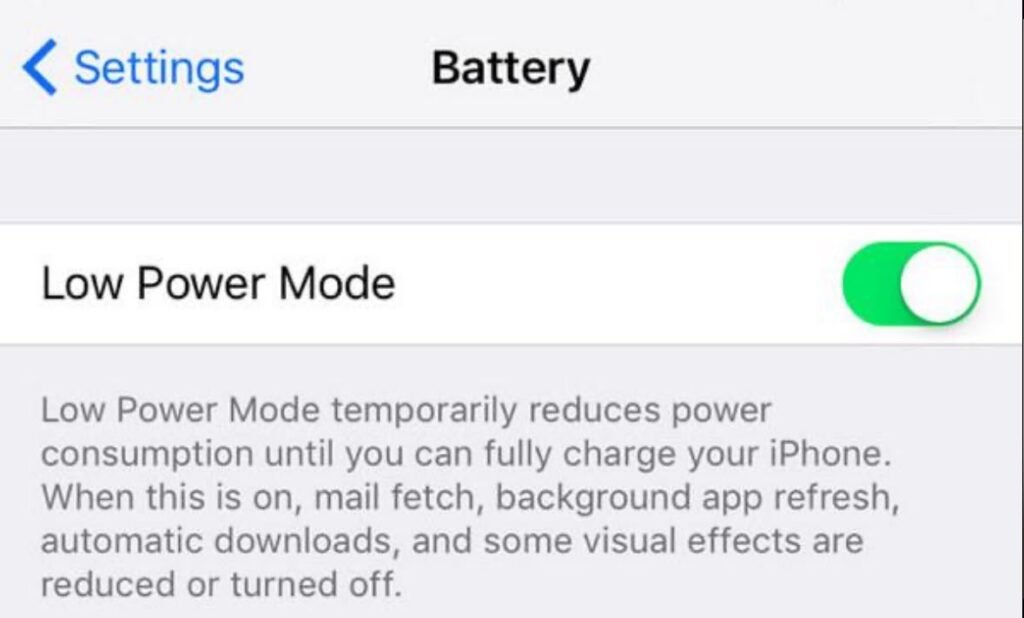
When enabled, these features reduce:
- Background activity
- Visual effects
- Automatic syncing
- Performance when necessary
Battery Saver is especially useful during travel or when charging isn’t available.
9. Avoid Extreme Temperatures
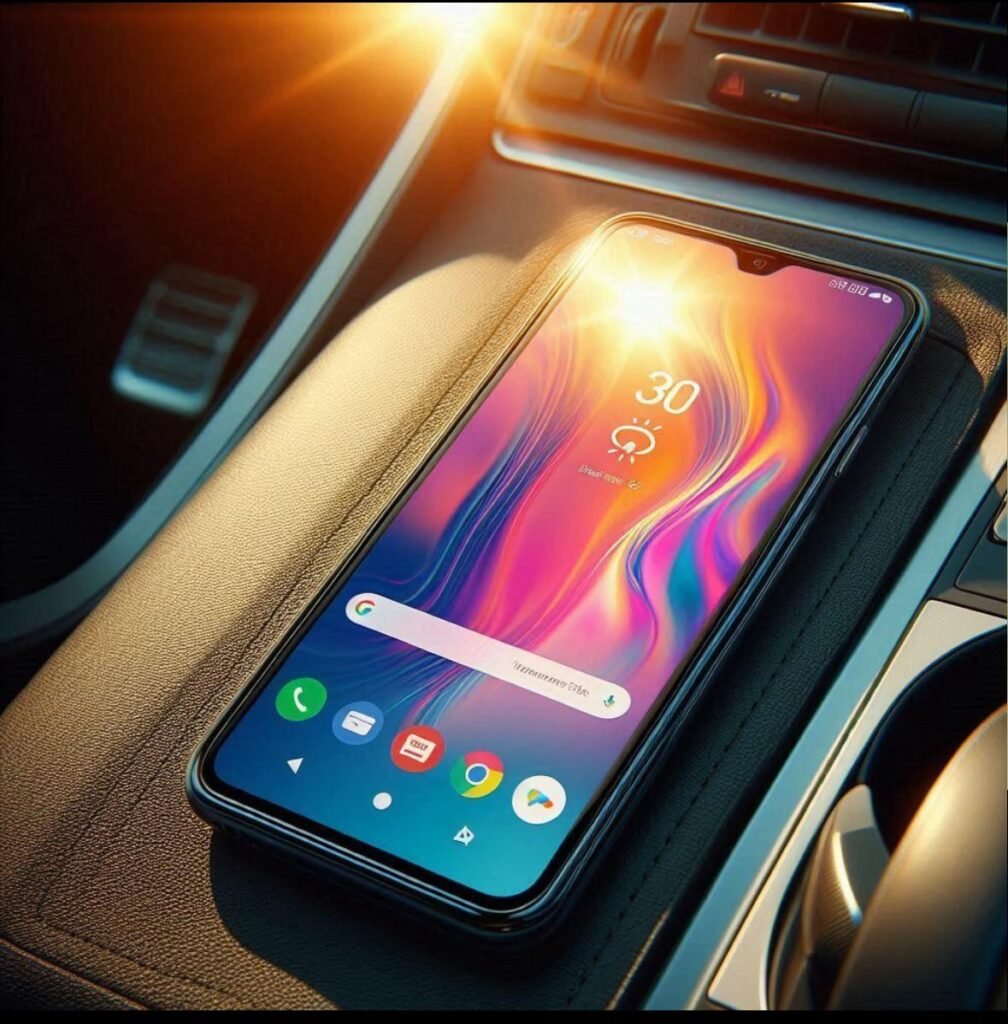
Heat is one of the biggest enemies of lithium-ion batteries.
Avoid leaving your phone:
- Inside a parked car
- In direct sunlight
- Near heaters
- Under pillows while charging
Cold temperatures can also temporarily reduce battery performance.
The ideal operating temperature is usually between 16°C and 22°C (60°F–72°F).
10. Use Original or Certified Chargers
Cheap, low-quality chargers may not provide stable power and can affect charging performance.
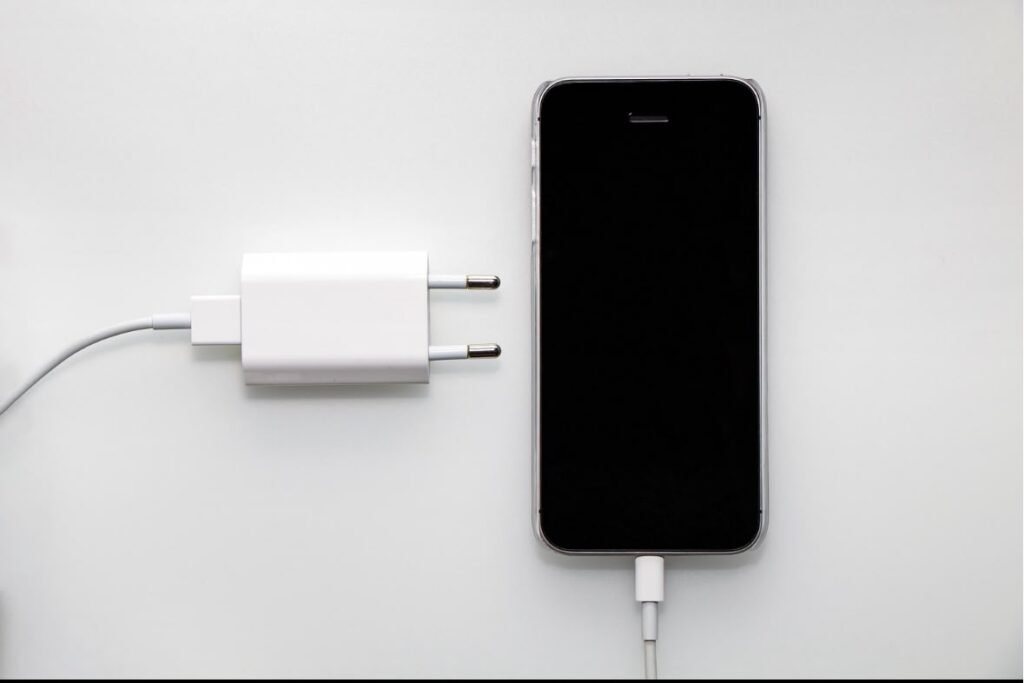
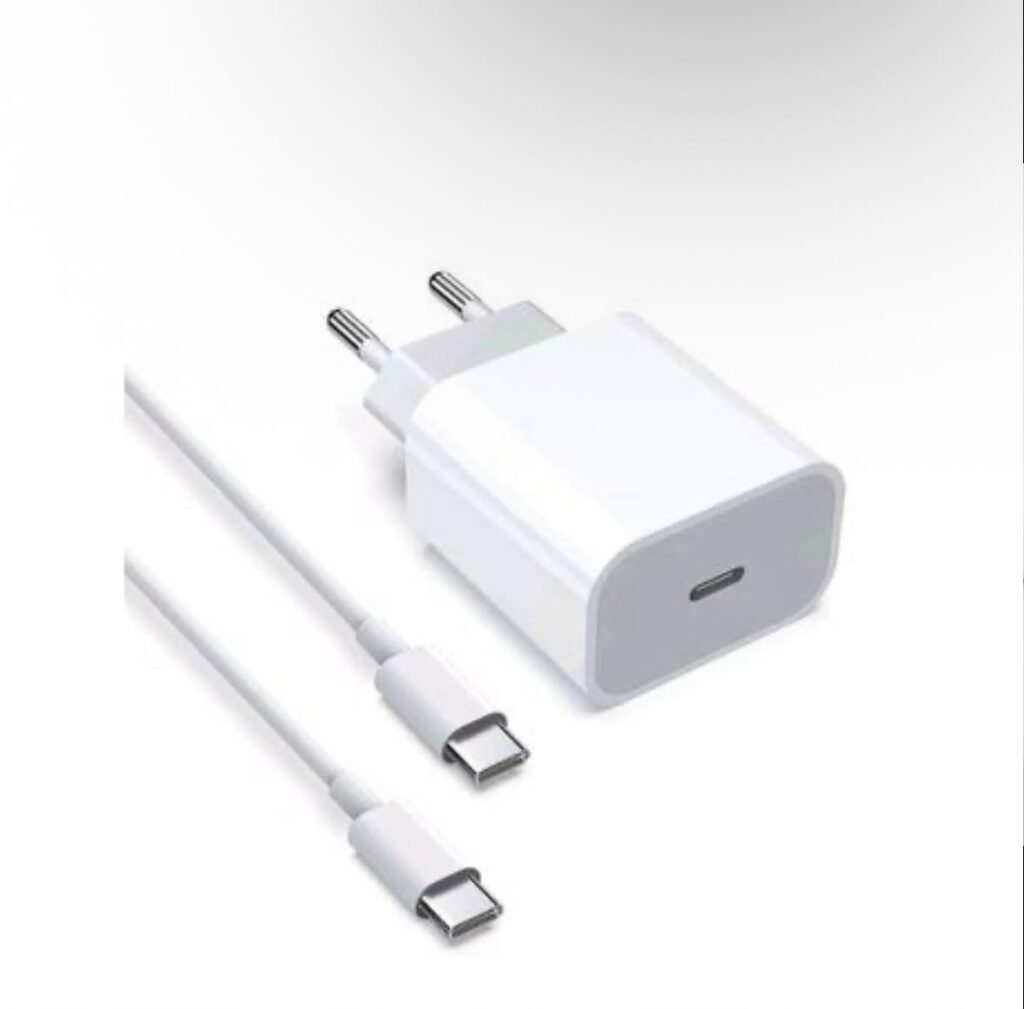
Whenever possible, use:
- Original charger
- Manufacturer-approved charger
- Certified USB-C or Lightning accessories
Quality chargers help maintain battery health over time.
11. Reduce Screen Timeout
Many users leave their display on for one or two minutes after every use.
Reducing screen timeout to 30 seconds or less saves battery throughout the day.
It’s a simple setting that many people overlook.
12. Disable Unnecessary Notifications
Every notification wakes your screen, activates vibration or sound, and uses a small amount of battery.
Review which apps really need to send notifications.
Turning off unnecessary alerts can improve battery life while reducing distractions.
13. Limit Background App Refresh
Background App Refresh allows apps to update content automatically.
While useful for some apps like email or messaging, many applications don’t need constant updates.
Limiting background refresh can noticeably reduce battery drain.
14. Restart Your Phone Occasionally
Restarting your phone clears temporary processes and closes apps that may be stuck running in the background.
Restarting once every few days helps keep your device running efficiently.
It’s a simple maintenance step that many users forget.
15. Know When It’s Time to Replace the Battery
Sometimes the battery itself has simply reached the end of its lifespan.
Common warning signs include:
- Battery drains very quickly
- Phone shuts down unexpectedly
- Battery percentage jumps suddenly
- Device overheats while charging
- Battery health falls below recommended levels
Replacing the battery is often much cheaper than buying a brand-new phone.
Common Battery Myths
Many battery myths continue to circulate online. Here are the facts.
Myth: You must fully discharge your battery.
Reality: Modern lithium-ion batteries prefer partial charging.
Myth: Charging overnight instantly damages your battery.
Reality: Modern smartphones use smart charging systems that reduce the risk, especially if Optimized Charging is enabled.
Myth: Closing every app saves battery.
Reality: Frequently force-closing apps can actually use more power because the phone has to reload them every time.
Myth: Fast charging always ruins batteries.
Reality: Certified fast chargers are designed with safety features that protect your battery from excessive stress.
Signs Your Battery Health Is Declining
If you notice any of the following, your battery may need attention
- Battery drains much faster than before
- Charging takes unusually long
- Phone becomes hot during normal use
- Unexpected shutdowns
- Reduced screen-on time
- Swollen battery (stop using the device immediately and seek professional service)
Checking battery health regularly helps you identify problems early.
Final Thoughts
Improving your smartphone’s battery life doesn’t require expensive accessories or complicated tricks. Most of the biggest improvements come from adopting better daily habits.
Keeping your battery between 20% and 80%, avoiding excessive heat, reducing unnecessary background activity, and using battery-saving features can make a noticeable difference in both daily battery life and long-term battery health.
Whether you use an Android phone or an iPhone, following these practical tips will help your device last longer, perform better, and stay reliable throughout the day.
Remember, batteries naturally wear out over time, but smart charging habits and proper maintenance can significantly slow that process and help you get the most value from your smartphone.